Build a WhatsApp AI chatbot from one sentence
Describe how it should answer customer questions about services, pricing, availability, bookings, sales, or support. IMFA prepares the managed assistant, grounds it in approved business knowledge, and keeps every update under your control.
Built for customer-facing businesses

What is a WhatsApp AI chatbot?
A WhatsApp AI chatbot is a customer-facing assistant that answers questions about services, products, policies, availability, bookings, sales, or support inside WhatsApp. It uses the instructions and business knowledge your team approves.
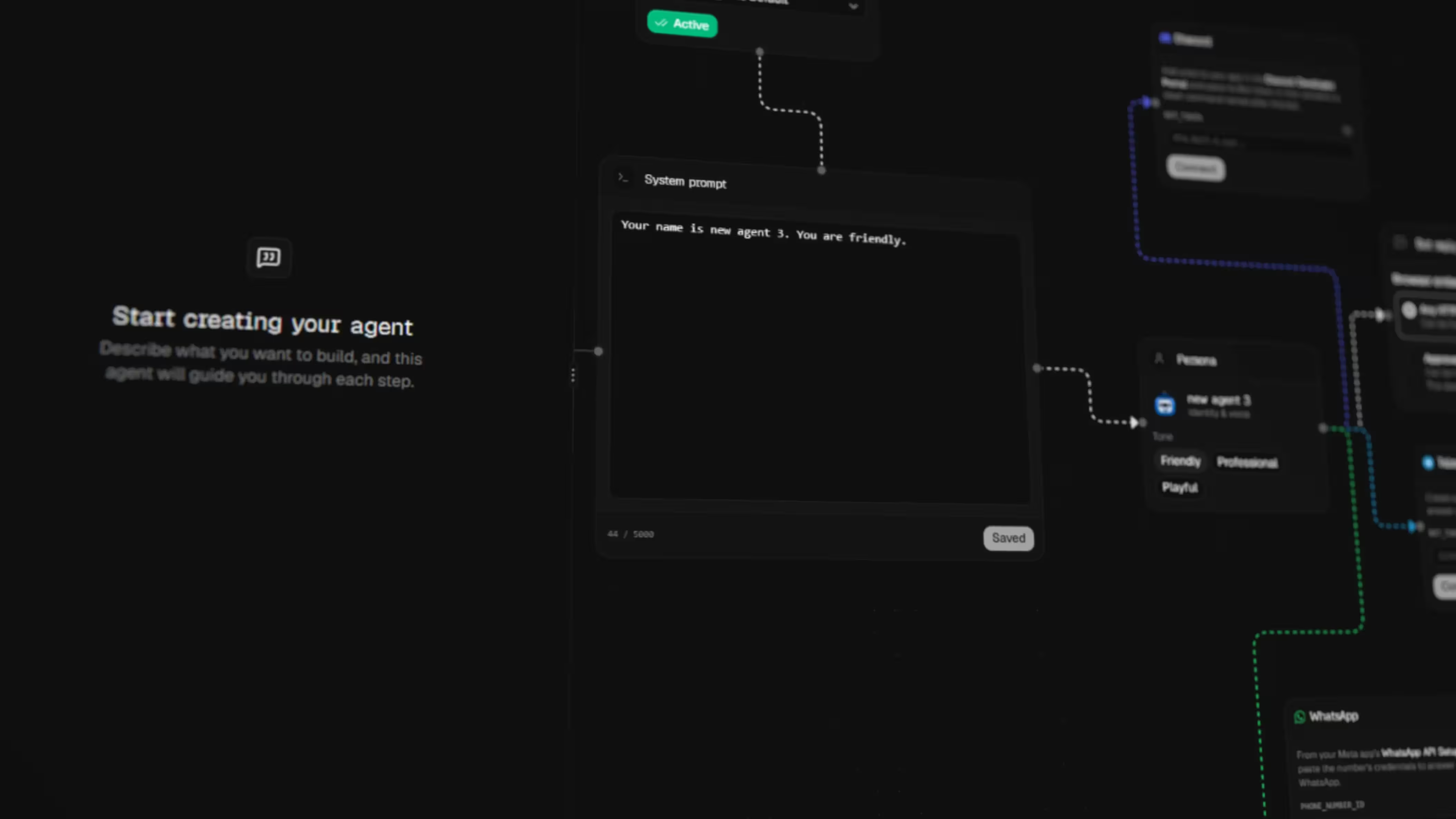

Your business, agency, or implementation partner creates and manages the assistant in IMFA. Customers interact with it through your WhatsApp identity, while the same managed knowledge and behavior can also power your website, Telegram, Discord, and eligible voice experiences.
Everything your customer-facing WhatsApp assistant needs
Your team controls the agent in IMFA. Customers receive a ready WhatsApp experience focused on helpful answers, qualified requests, and clear next steps.
How to build a WhatsApp AI chatbot with IMFA
Your team prepares and verifies the agent first. Customers interact only with the finished assistant after you publish and connect it to WhatsApp.
Choose the right AI model for your chatbot
Power your chatbot with managed models from OpenAI, Claude, Gemini, Kimi, or DeepSeek. Switch models as your support, sales, or customer experience needs evolve.
- OpenAI
- Claude
- Gemini
- Kimi
- DeepSeek
- More models soon
A managed customer assistant vs a manual WhatsApp bot
Both approaches can serve customers. The difference is whether your team wants to build every technical layer or manage the finished customer experience through one product.
One chatbot across every customer channel
Build and manage one agentic AI chatbot, then serve customers on your website, WhatsApp, Telegram, and Discord from the same IMFA workspace.
Website chatbot
Add an agentic AI chatbot to your website to answer questions, capture leads, and use your approved business knowledge.
WhatsApp chatbot
Serve customers on WhatsApp with the same approved instructions, knowledge, and business context.
Telegram chatbot
Bring the same managed chatbot to Telegram without maintaining a separate configuration.
Discord chatbot
Support customers and communities on Discord while managing one chatbot in IMFA.
Simple, clear plans
Start free, move to Pro for more capacity and model control, or choose a Custom plan shaped around your needs.


Create and manage chatbots from your coding tools
Connect the IMFA MCP server to Codex, Claude Code, Cursor, or VS Code. Create, configure, inspect, and publish managed chatbots without leaving your development workflow.
Codex
MCP client
Claude Code
MCP client
Cursor
MCP client
VS Code
MCP client
Frequently asked questions about WhatsApp AI agents
Clear answers about who manages the agent, who uses the assistant, and how it serves your customers on WhatsApp.
[01]Who builds the agent, and who uses the WhatsApp assistant?
Your business, agency, or implementation partner builds and manages the agent in IMFA. Your customers use the finished WhatsApp assistant to ask about your services, products, policies, bookings, sales, or support. Customers do not build or configure the agent.
[02]Can my business create a WhatsApp AI agent without coding?
Yes. Your team can create and configure the agent through conversation and simple controls, test it as a customer, and connect the published assistant to WhatsApp. Developers are only needed for custom server integrations through the REST API.
[03]Can the WhatsApp agent answer from my documents?
Yes. Add supported documents, spreadsheets, text, or public webpages as RAG knowledge. The agent retrieves relevant context while treating retrieved content as untrusted data rather than new system instructions.
[04]Can the same agent work on WhatsApp and my website?
Yes. WhatsApp and the website chatbot can use the same published IMFA agent, including its instructions, knowledge, model, skills, and behavior. This reduces duplicated configuration and inconsistent answers.
[05]Can a WhatsApp AI assistant capture leads?
Yes. The agent can save contact details a customer voluntarily shares, along with a short conversation summary, so your team can understand the request and follow up appropriately.
[06]Do I still need a valid WhatsApp channel account?
Yes. IMFA manages the AI agent, but connecting and operating a WhatsApp channel still depends on valid channel credentials, provider availability, and compliance with the applicable WhatsApp and Meta policies.
[07]How do updates reach the WhatsApp agent?
Changes remain in a draft while you test them. After you explicitly publish the new version, connected channels use the updated agent configuration. This keeps unapproved edits away from customer conversations.
Questions, projects, or partnerships? Let’s talk.
Reach us however works best for you. A real person is always glad to help.